June 2026 product update
A quick tour of what's new in June. Making images just got a lot smoother.
Set every generation option right above Generate
Right above the Generate button, pick your model, how many variations to make, the aspect ratio, and the resolution — all in a couple of clicks.
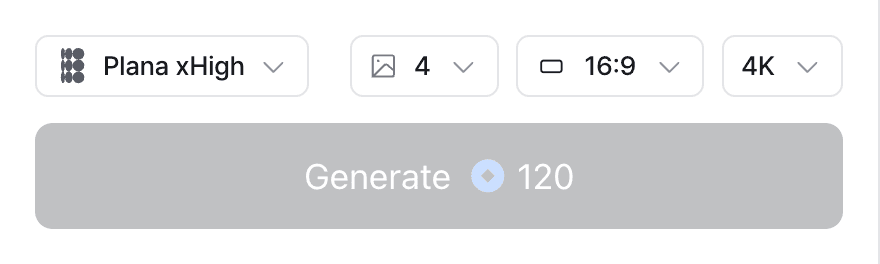
- Model — choose which model generates your image.
- Variations — set how many images to make in a single run.
- Aspect ratio — Auto plus seven fixed ratios, eight in all. Auto crops to fit your source image.
- Resolution — pick the output resolution, then generate.
The gallery is a lot easier to get around
Zoom in on results, filter down to just what you're after, and pick up your next step right from a result you like.
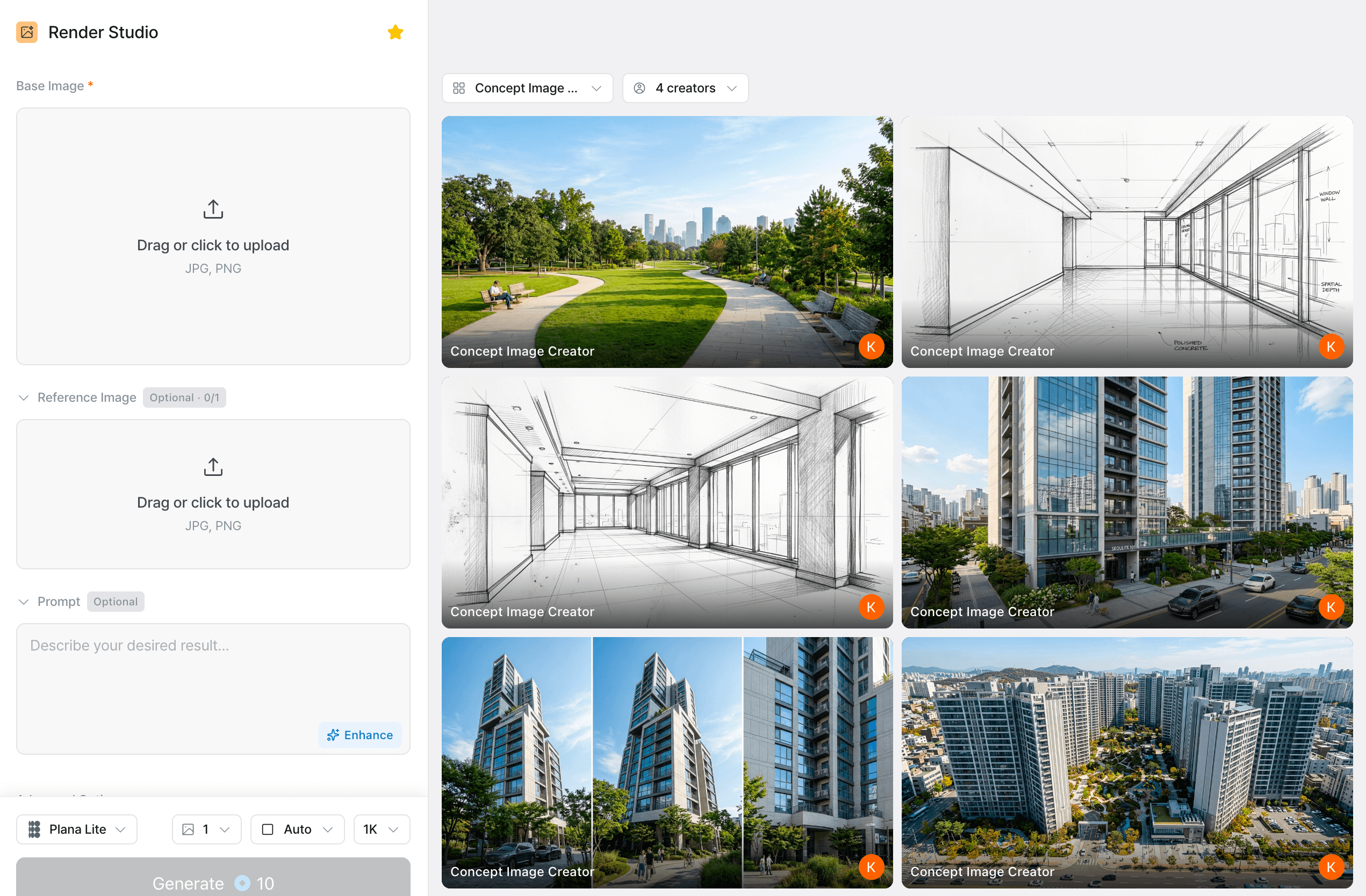
- Full-screen viewer — zoom with pinch, scroll, or double-click, and drag to look around.
- Filters — mix conditions like app and creator to find the right results fast.
- Continue from a result — open an image and send it straight into your next generation.
- Smarter history — see the input image, model, and prompt behind each result, and download it right there.
Put the same character in as many images as you like
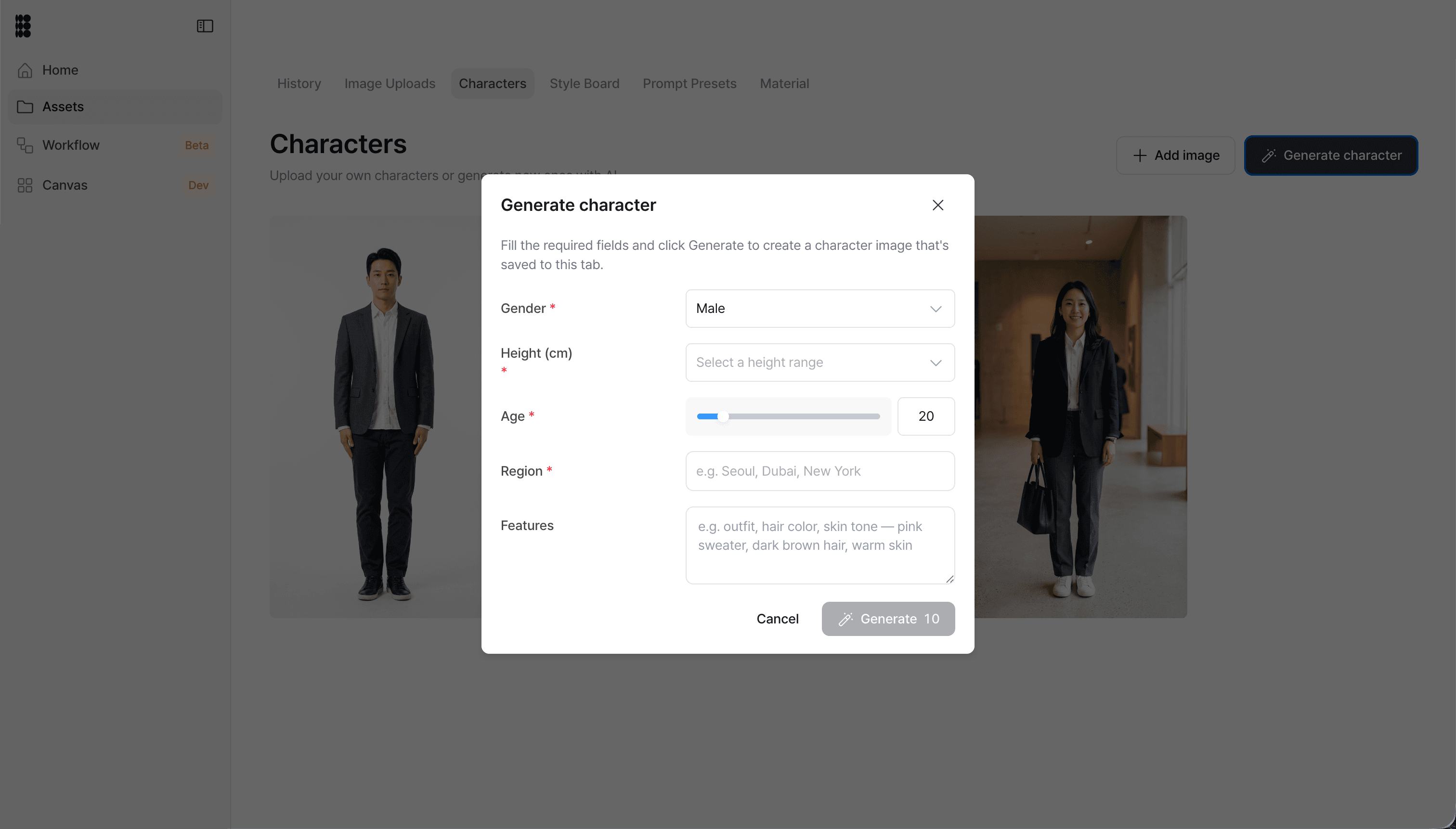
Save a character as an asset and drop it into image after image. Use multi-pin to place it exactly, so the same character stays consistent everywhere. You'll find it under Assets > Characters.
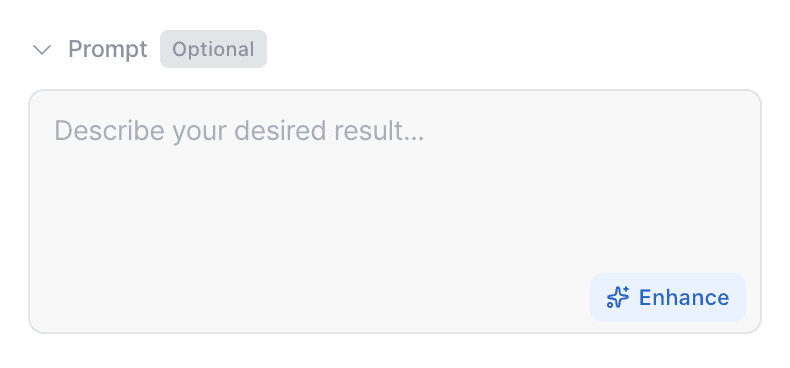
AI can clean up your prompts now
Not sure how to word it? One click and AI rewrites your prompt into something clearer. You get 5 free every day, and if you need more, 5 credits gets you another 10.
A few things we cleaned up
We now open your team workspace by default, tidied up the English UI labels, fixed the Korean (IME) input glitch, and smoothed out gallery transitions so there's less flicker and fewer blank screens. Small stuff you run into every day.
Coming soon