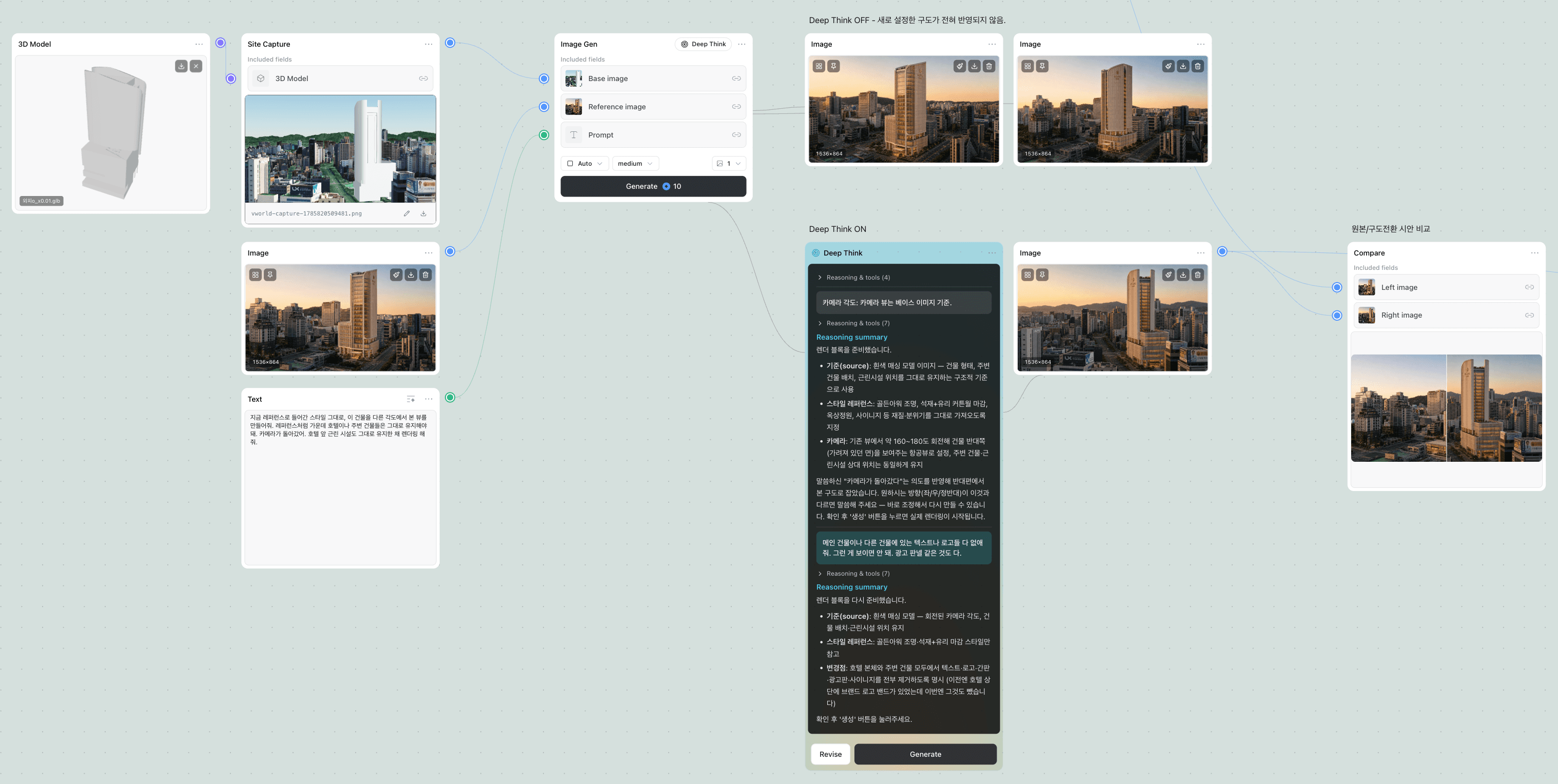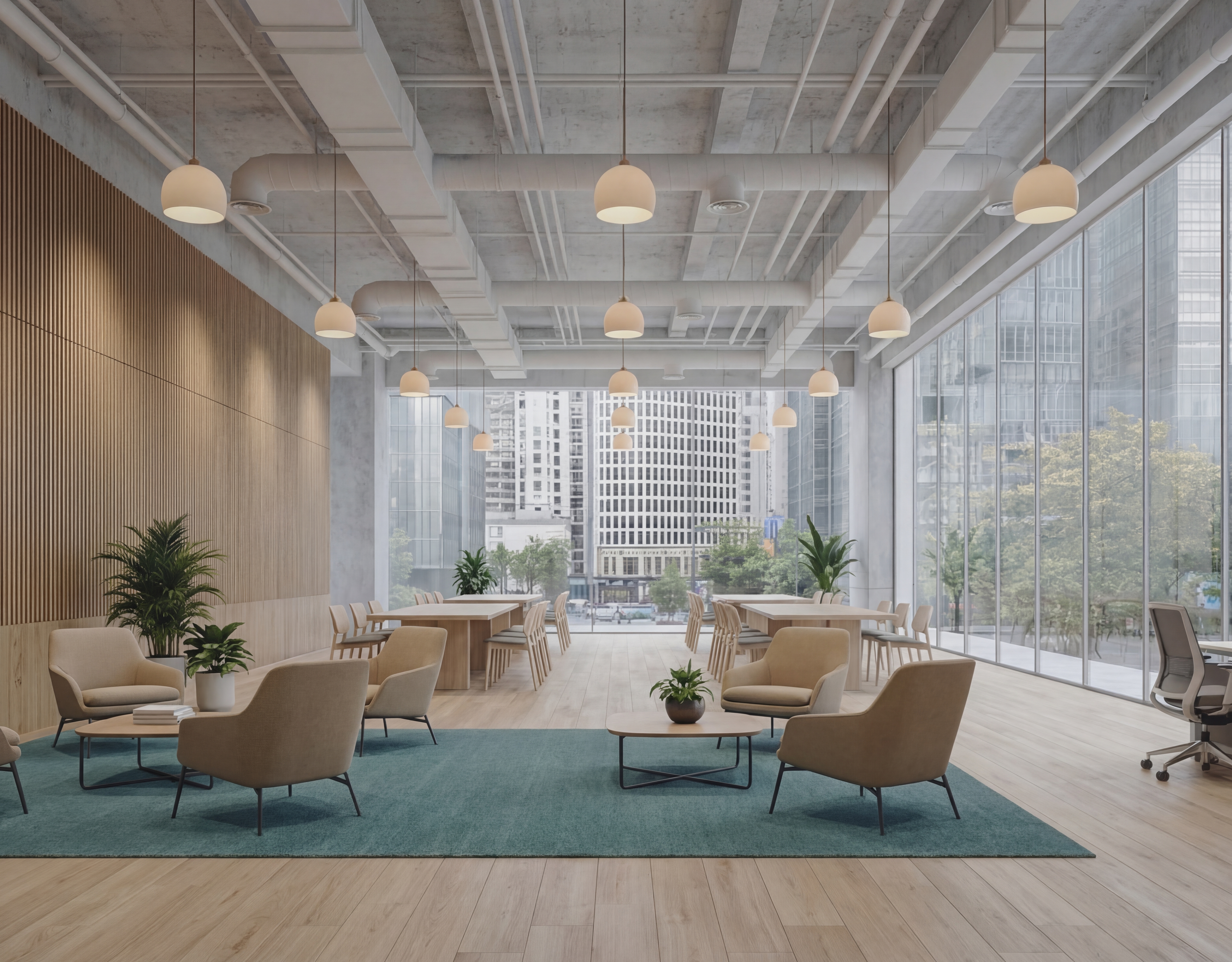






AI가 무거운 작업을 처리하여 팀이 가장 중요한 것에 집중할 수 있도록 합니다.
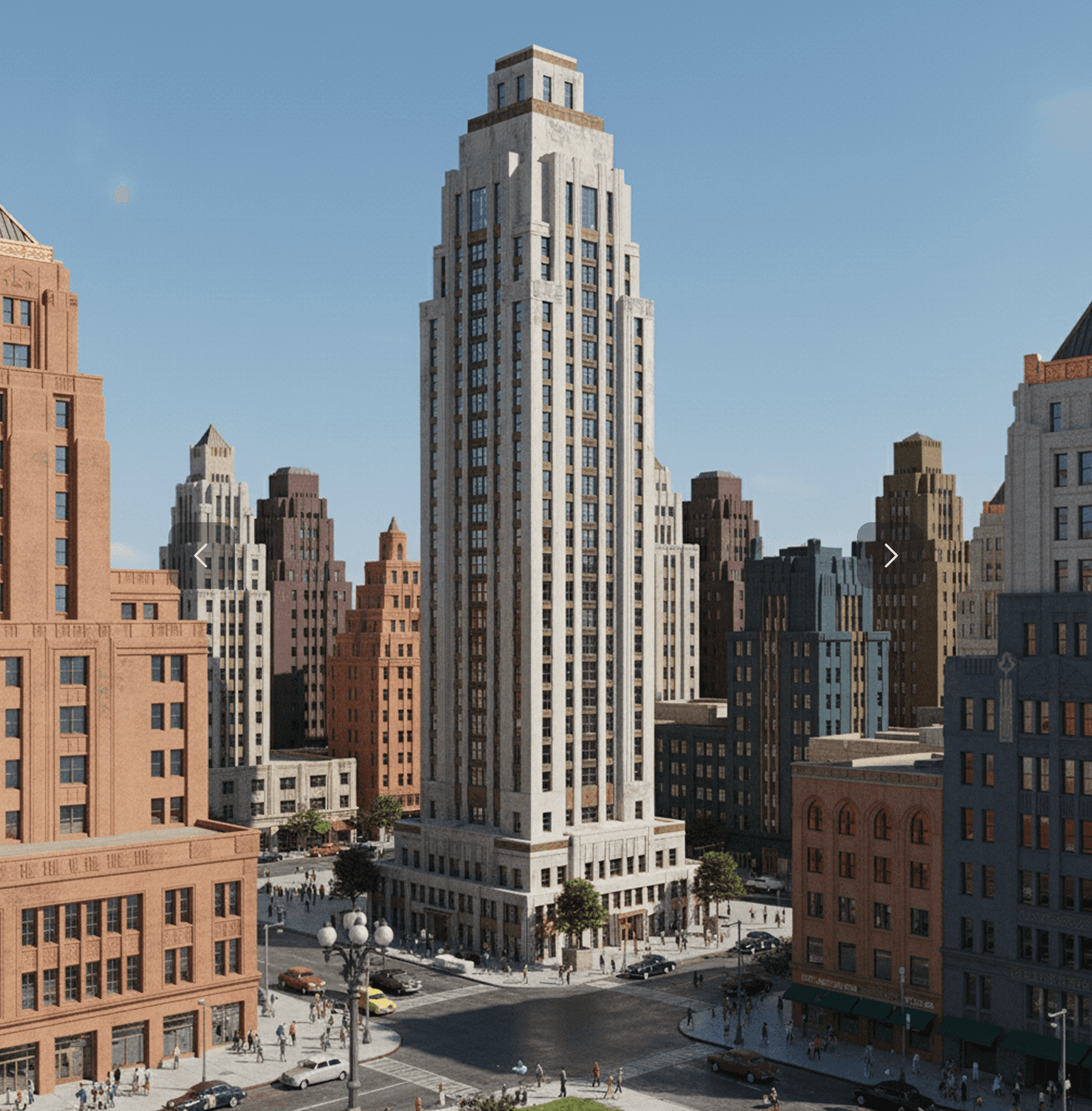

Prompt
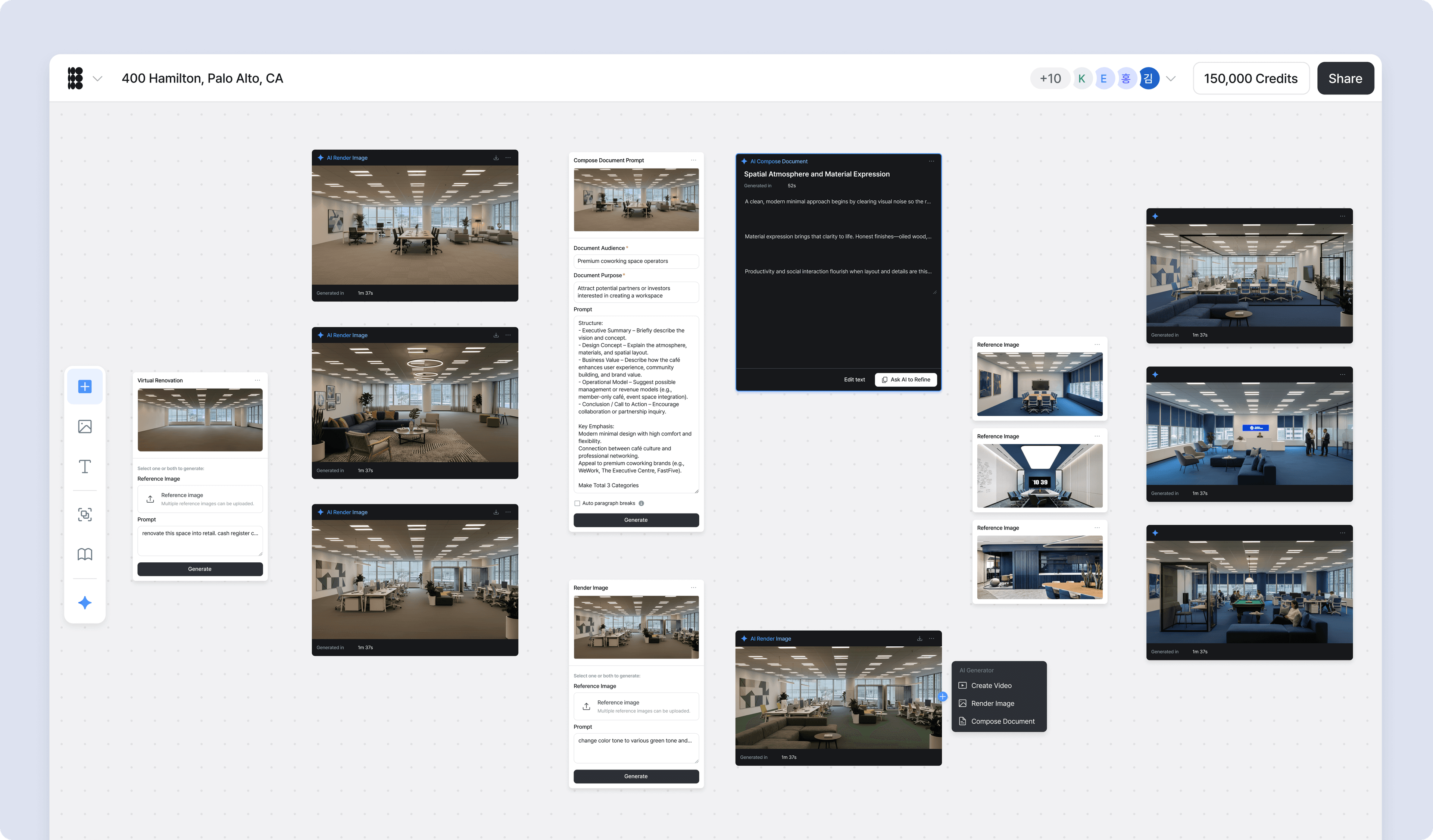
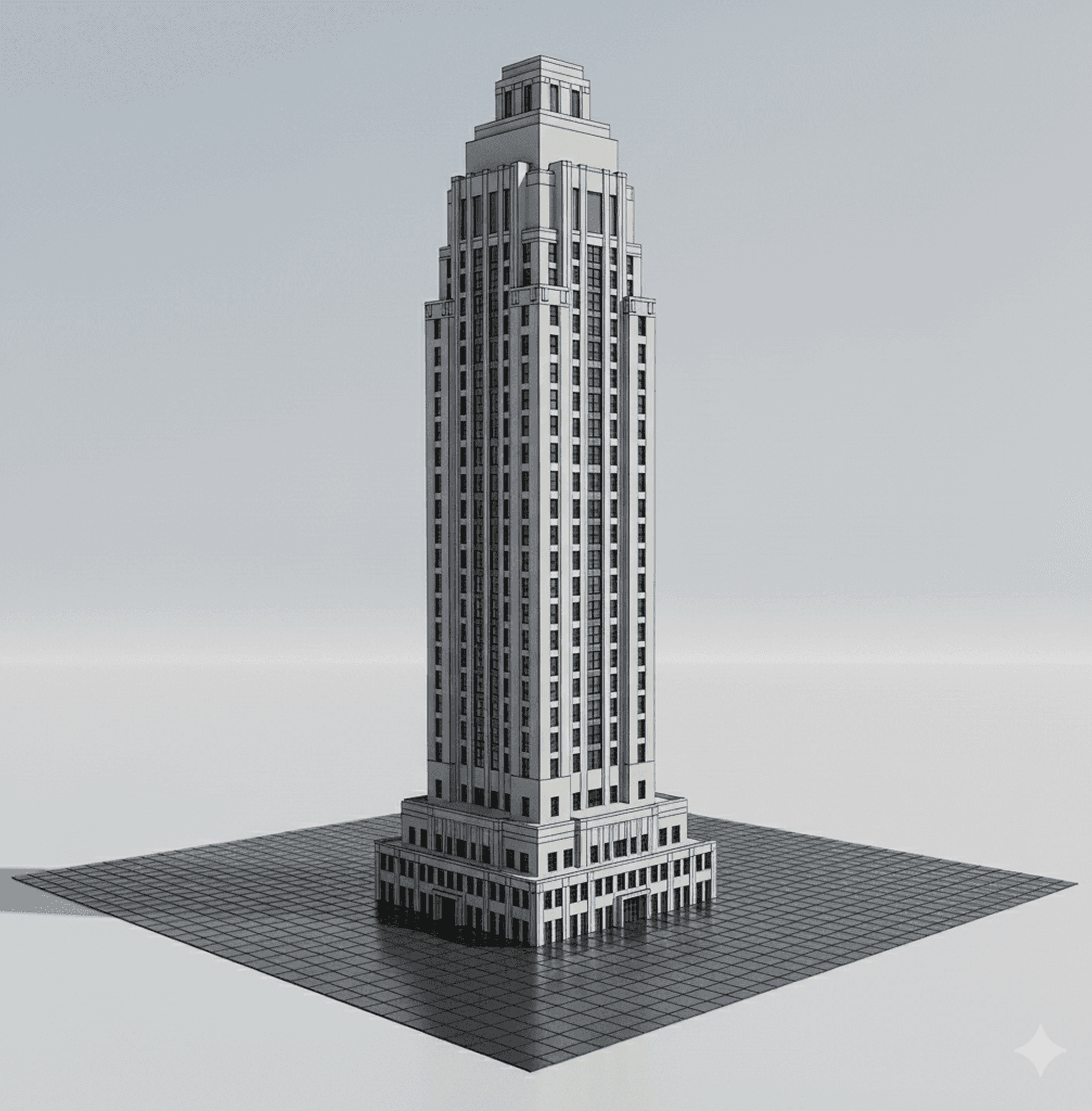
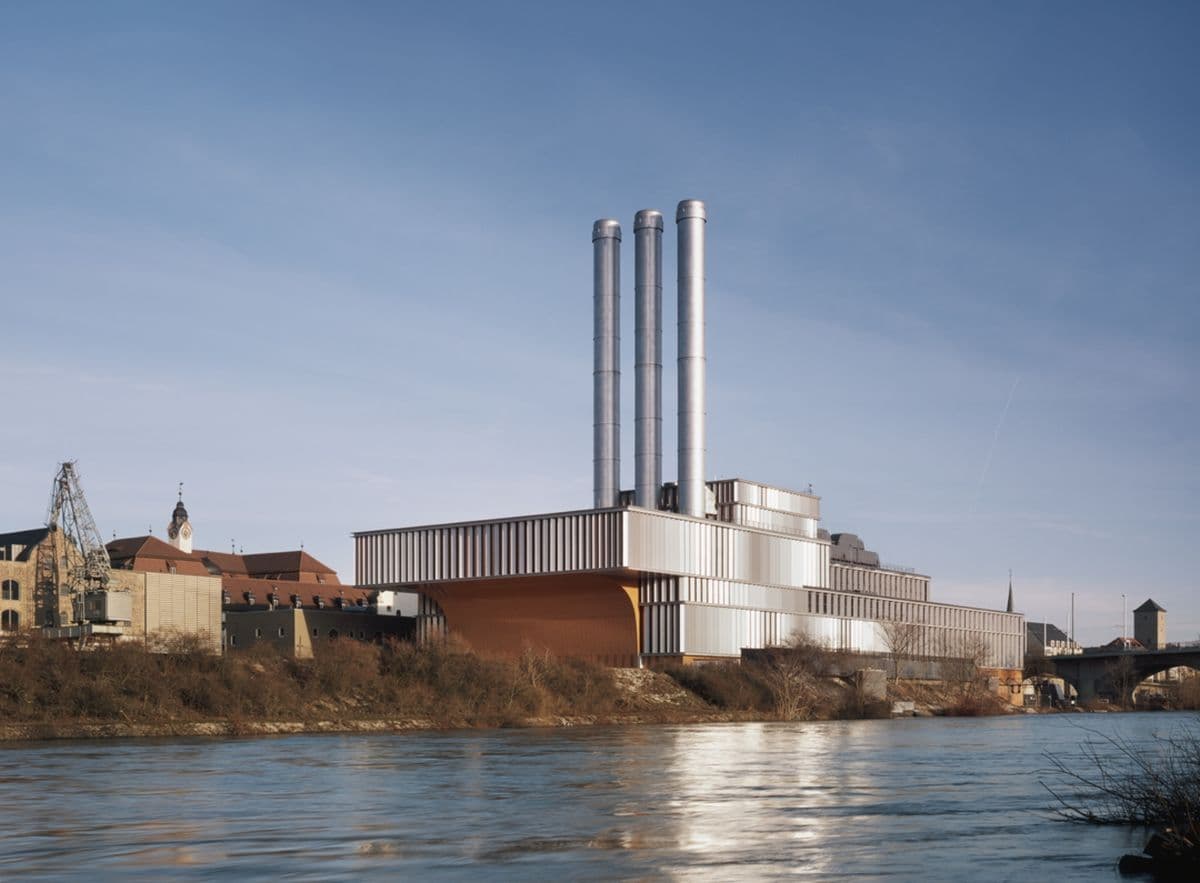
Render this image with lots of buildings surrounding the building. Make it like the buildings of New York.


Prompt
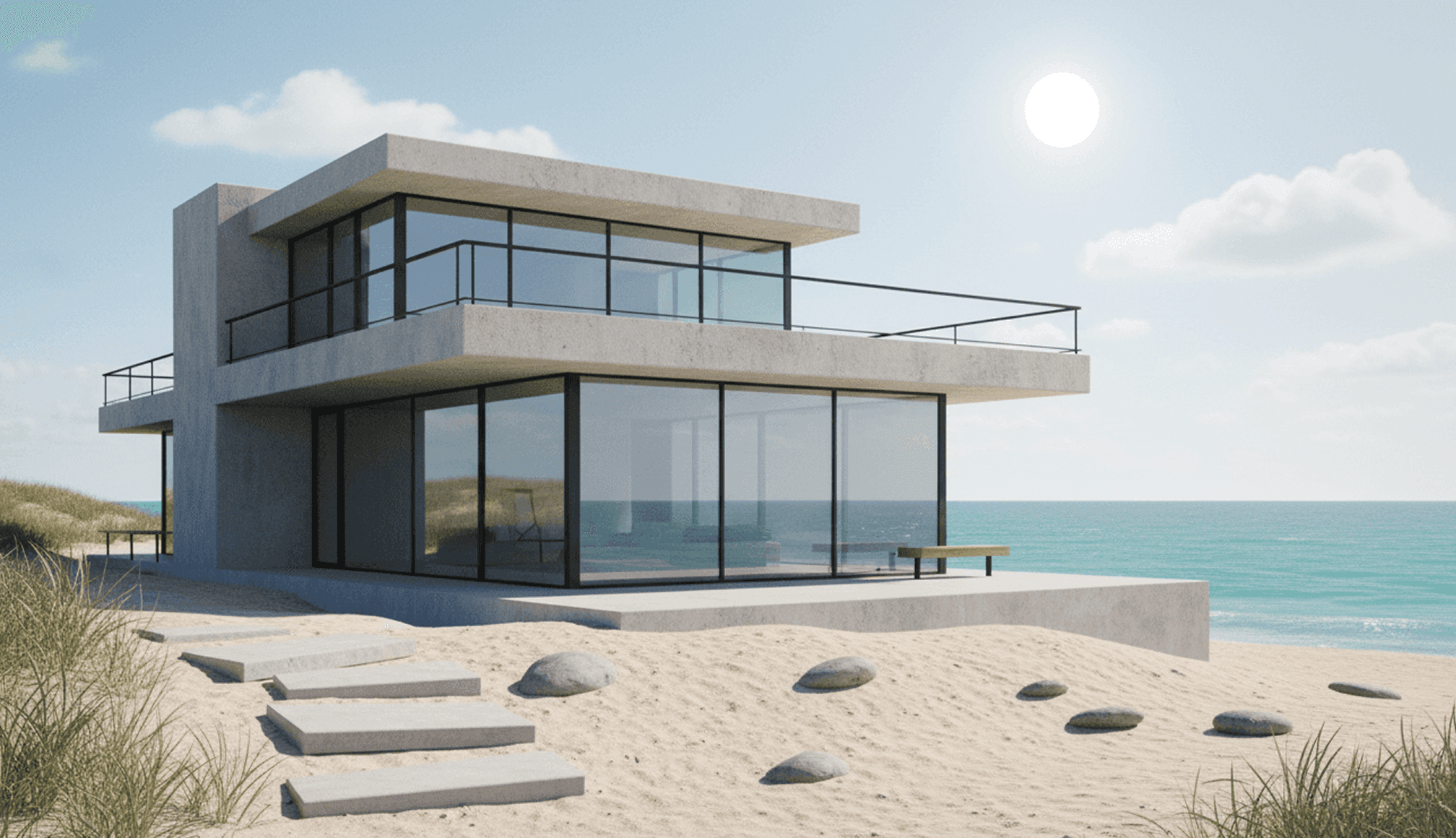
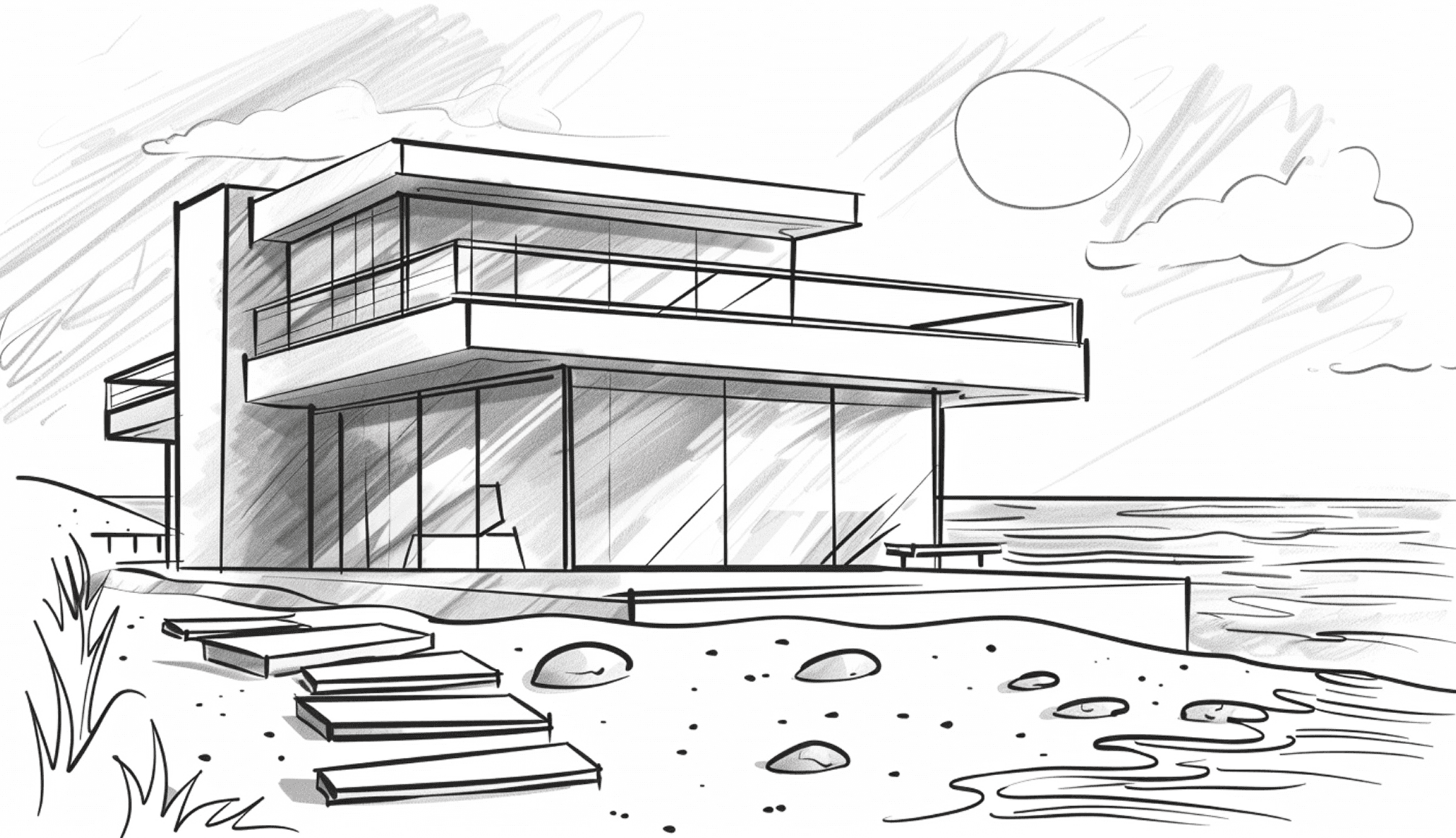
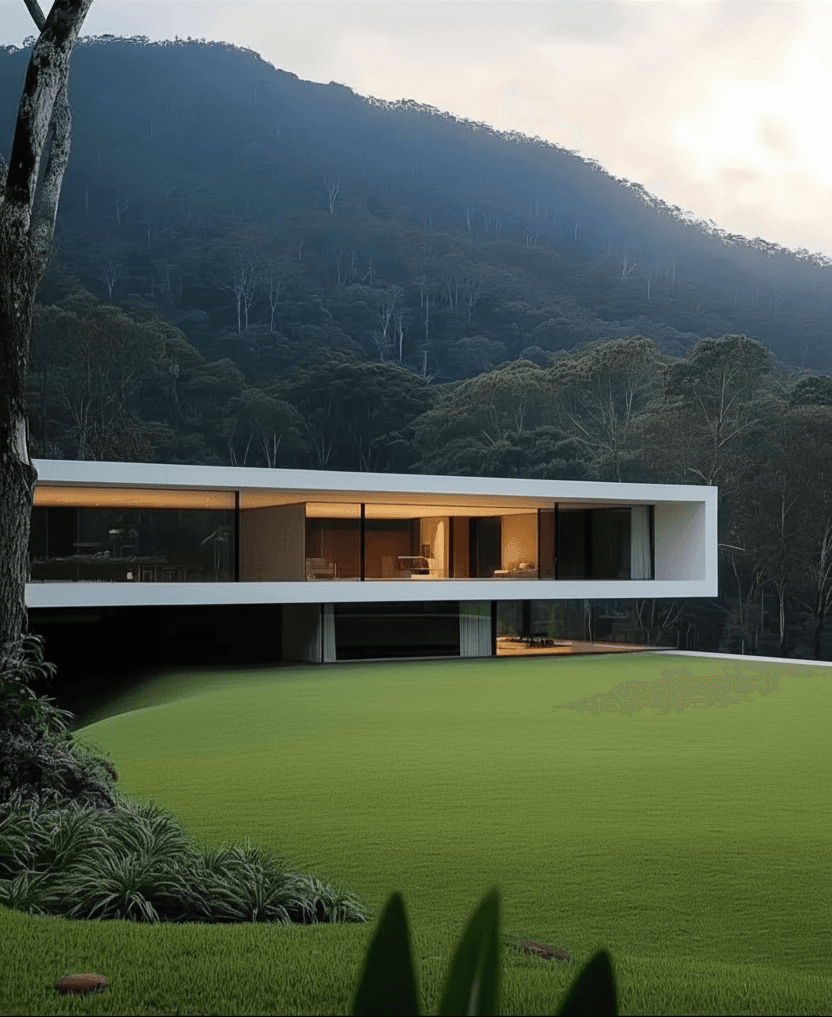
Render me a beach house with concrete walls and big windows. The weather should be sunny with calm seas.


Prompt
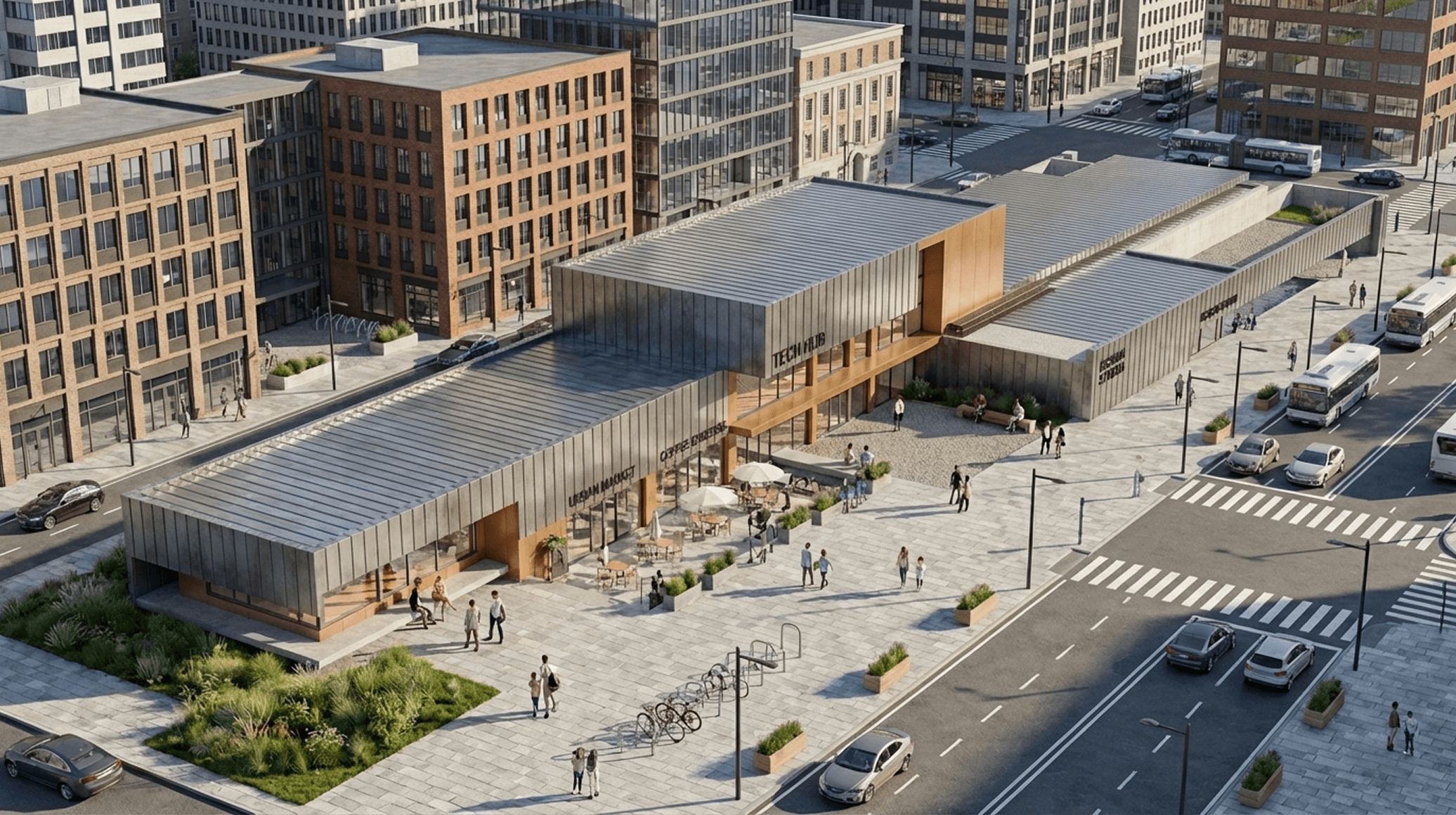
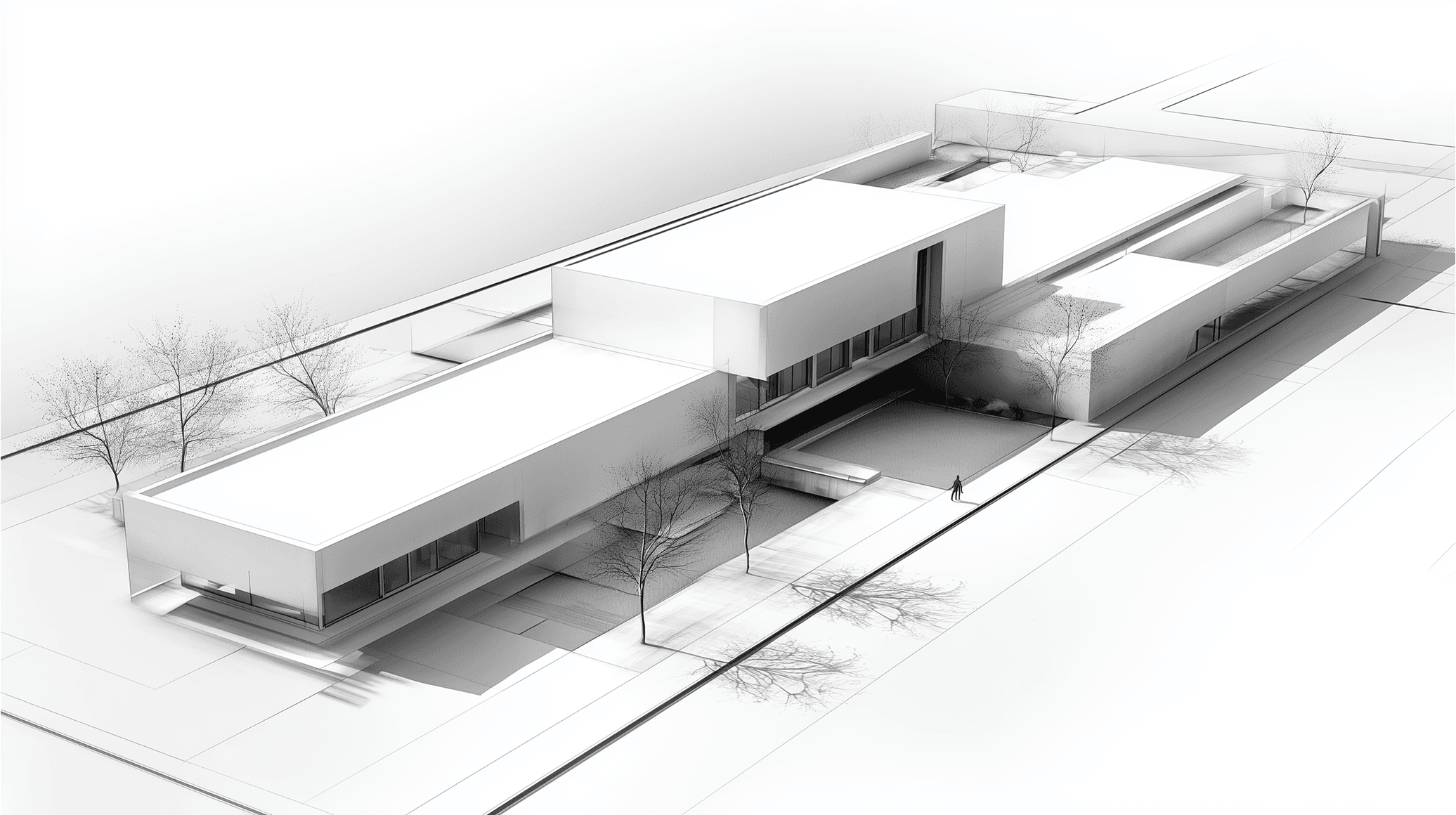
Render me a industrial style building with surrounding buildings. Put in some people and cars walking around the building.


Prompt
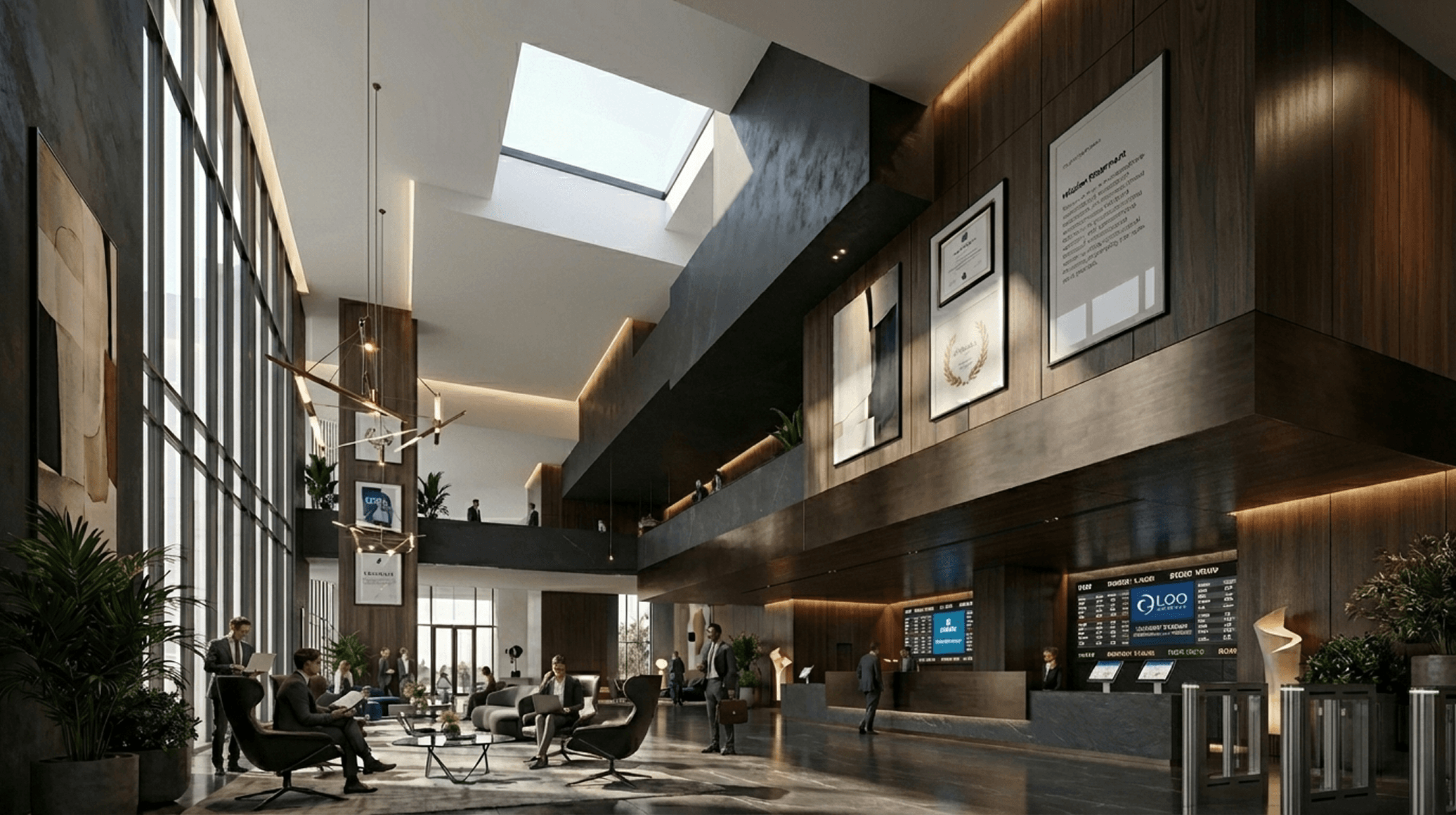
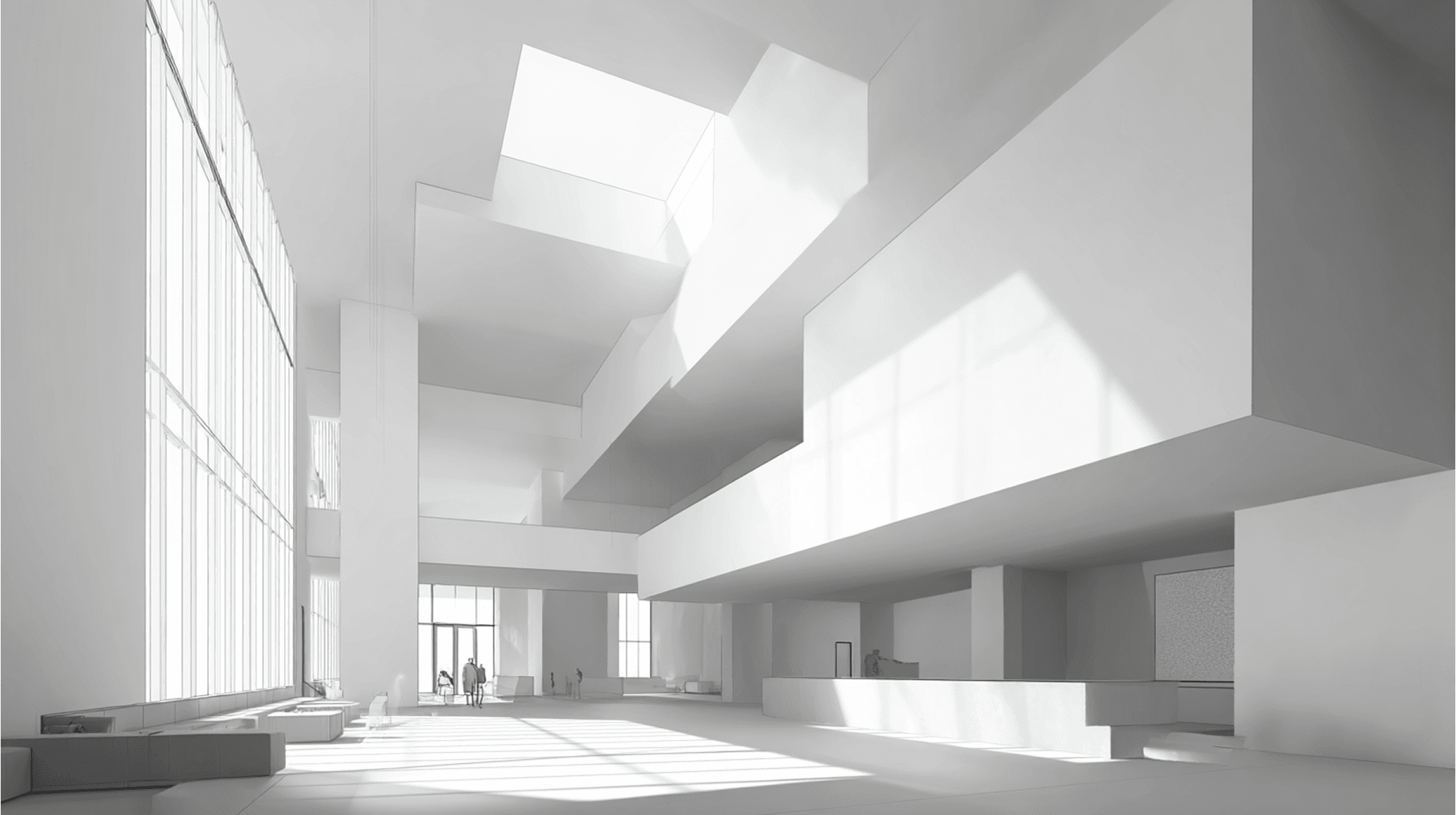
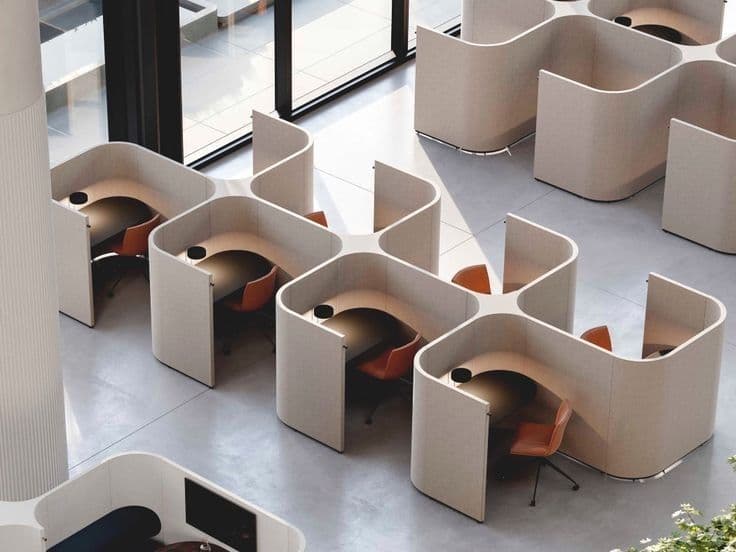
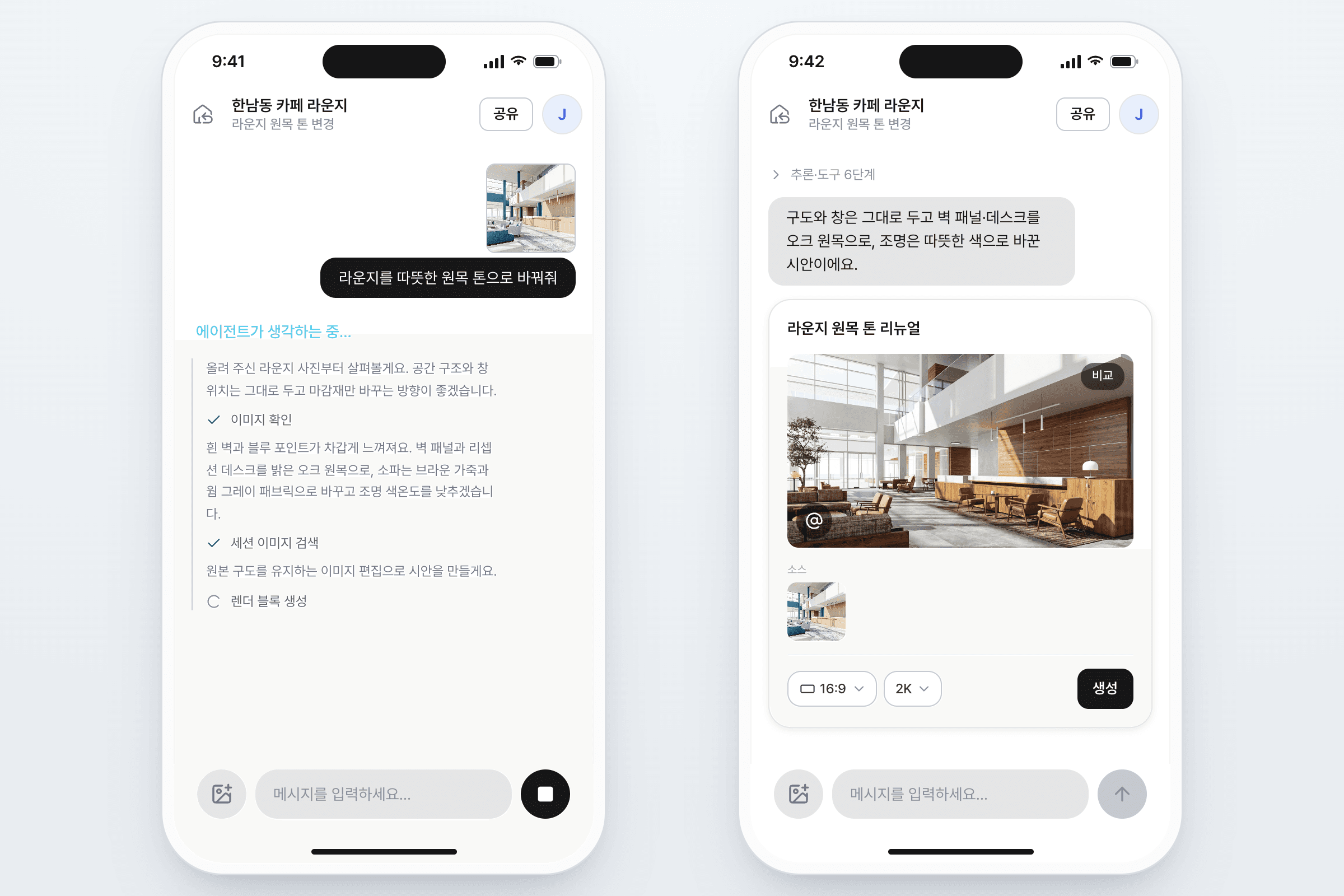
Make this a black-luxury style lobby. Put in some extra furniture if needed and add people.


Prompt
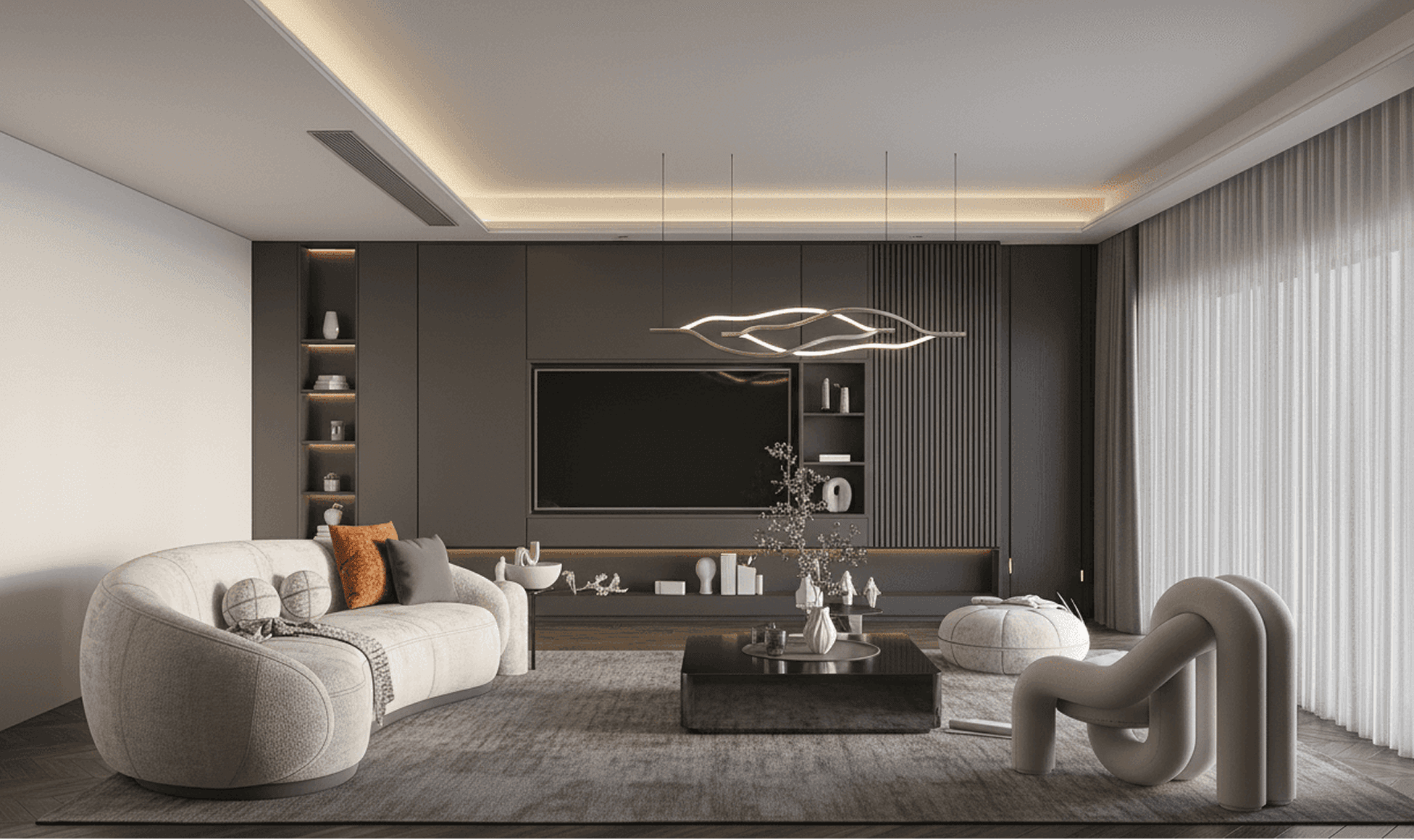
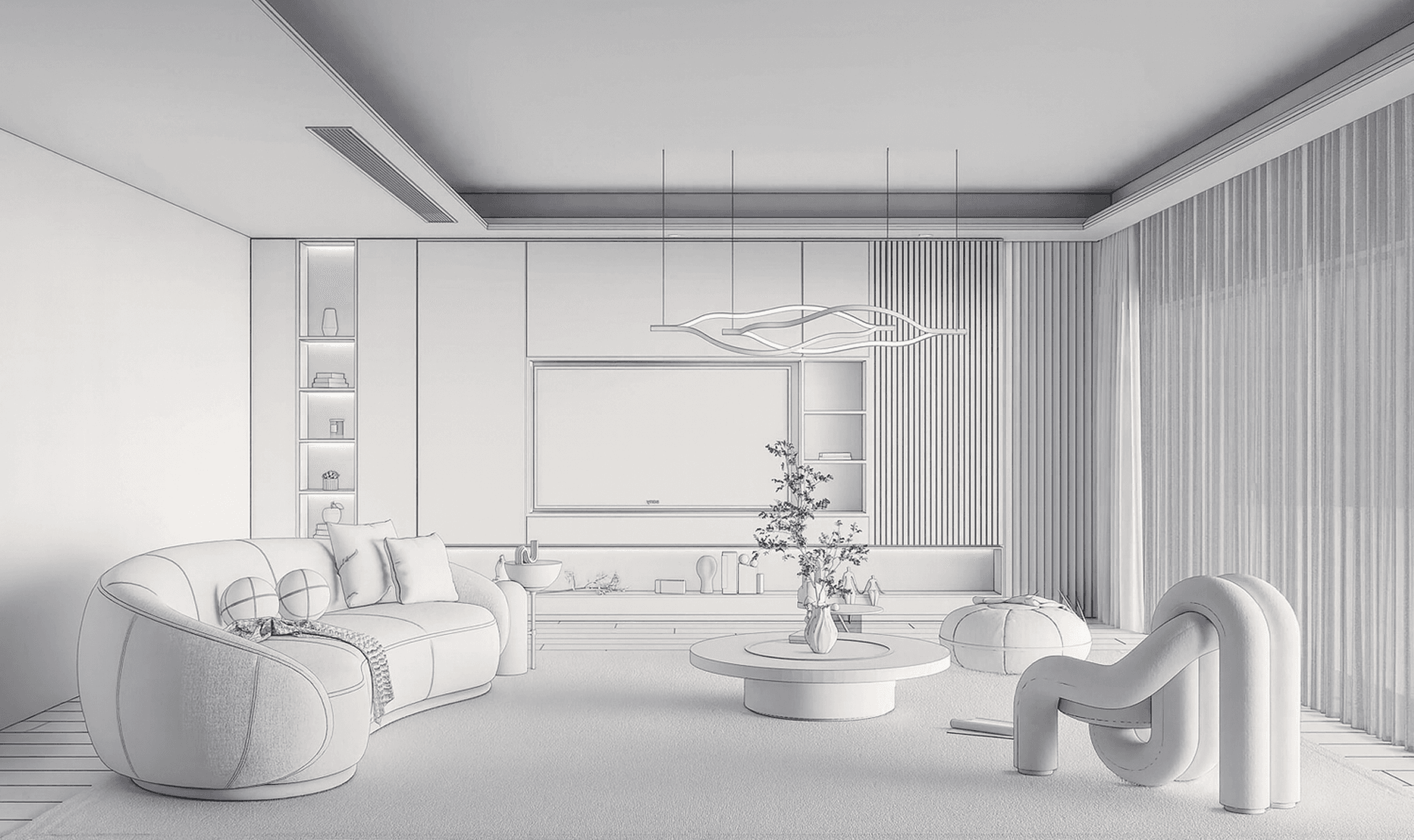
Render this as a modern Japanese style living room. Make all the furnitures look realistic.
워크플로우 탐색하기

2026 플랜바이 클라우드 바우처 신청 가이드: 건축·인테리어 사무소용 정리
2026년 클라우드 바우처 사업을 통해 AI 렌더링 솔루션을 정부 지원금으로 최대 80% 할인 받아 도입하실 수 있습니다. 신청 절차, 지원 금액, Plana 같은 클라우드 서비스 활용 방법까지 한 번에 정리했습니다.

Planby Studio 각 모델을 언제, 어떻게 사용해야 할까?
AI 이미지 생성 기술이 건축과 인테리어 업계에 빠르게 퍼지고 있는 요즘, 다양한 생성 모델을 효율적으로 사용하는 것이 점점 더 중요해지고 있습니다. 특히 정밀한 3D 모델링부터 간단한 스케치까지, 입력 데이터의 수준과 목적에 따라 적합한 생성 방식은 달라져야 합니다. Planby Studio 모델사용법 (Stable diffusion 과 비교) Planby AI에 포함된 세 가지 주요 모델 — Render Exterior / … Read more

AI 건축 렌더링이 이상하게 나온다면? 인풋·레퍼런스·프롬프트 완벽 활용법
AI 건축 모델을 활용하여 건축 및 인테리어 렌더링을 생성하실 때, 종종 원하는 결과가 나오지 않거나 예상과 다른 이미지가 생성되는 문제를 경험하게 됩니다. 이는 AI가 이미지를 해석하는 방식이 우리의 사고방식과 다르기 때문인데요, 이 문제를 해결하시려면 프롬프트, 레퍼런스 이미지, 인풋 이미지를 정확하게 설정하셔야 합니다. Planby AI의 렌더링 모델(Render Interior, Render Exterior, Virtual Renovation)을 활용해 더 정밀한 결과를 … Read more